Barcode symbologies, explained
A symbology is just the name for a type of barcode. There are far more than most people meet, and which one is on a label was decided by whoever designed it.
Most people know two: the striped EAN or UPC on a retail product, and the QR code on a poster. In practice there are dozens, each designed around a constraint — a label too small, a printer too fast, a surface too curved, a sorting machine too quick to wait.
They divide into three families by how they carry data, and the differences are not cosmetic. The family a symbology belongs to tells you how much it can hold, how robust it is to damage, and whether an ordinary scanner will read it at all.
All 13 formats
Linear codes 9
Data lives in the widths of the bars and the gaps between them, which means the symbol can only grow sideways. Capacity is low — a product number, a location code — but they are cheap to print and readable by the simplest equipment, which is why most of what is printed on a pack or a carton is still linear.
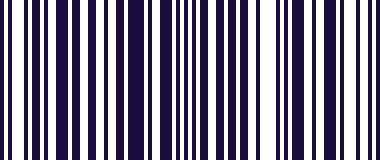
EAN-13
The barcode on nearly every retail product in Europe.
What it is, and how to scan it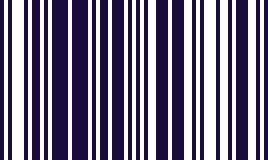
EAN-8
The short EAN, for packs too small to carry the full one.
What it is, and how to scan it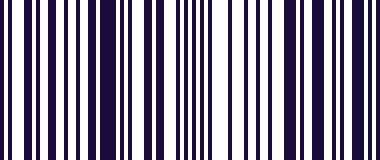
UPC-A
The North American retail barcode.
What it is, and how to scan it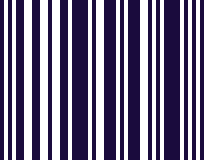
UPC-E
The compressed UPC, on small retail packs.
What it is, and how to scan it
Code 128
incl. GS1-128
Logistics and shipping labels. The GS1-128 variant carries the GS1 fields.
What it is, and how to scan it
Code 39
Older industrial, automotive and defence labelling.
What it is, and how to scan it
Code 93
A denser Code 39, used in logistics.
What it is, and how to scan it
Codabar
Blood bags, film canisters and library books.
What it is, and how to scan it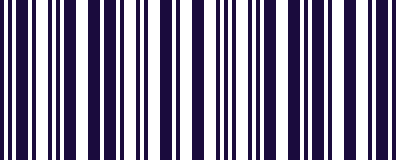
ITF
Outer cases and cartons, printed straight onto corrugated board.
What it is, and how to scan itMatrix and stacked codes 4
Data is spread across both axes, so far more fits into the same area. Most also carry error correction, which is why a QR code still reads with a corner torn off. These are what you reach for when there is very little room, or when the code has to carry more than an identifier.
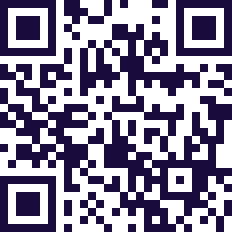
QR Code
Everywhere: posters, payments, asset tags, Wi-Fi handover.
What it is, and how to scan it
Data Matrix
Small-part marking, electronics and medical devices.
What it is, and how to scan it
PDF417
Driving licences, boarding passes and ID documents.
What it is, and how to scan it
Aztec
Train and transit tickets.
What it is, and how to scan itWhich ones do you actually need?
Retail and general use is covered by a handful: EAN, UPC, Code 128, QR Code and Data Matrix. Most scanning apps stop around there.
Beyond that it depends entirely on your labels. Fresh produce and variable-weight goods mean GS1 DataBar. Parcels mean MaxiCode. Pharmacy means MicroPDF417. Tobacco and high-speed lines mean DotCode. Shelf edges and bin fronts often still mean MSI Plessey.
The awkward part is that you do not get to choose. The format was picked by whoever printed the label, which is why "my scanner cannot read this" is usually a question about symbologies rather than about the scanner.
Scan them with the phone in your pocket
Free on Google Play. No hardware to buy, and the value is typed straight into whatever app you are in.