ITF
The one printed directly onto cardboard, where nothing else survives.

- Type
- Linear (1D)
- Encodes
- Digits only, always an even number of them
- How it is dense
- Digits are interleaved — one in the bars, the next in the spaces
- ITF-14
- The 14-digit form used to identify a shipping case
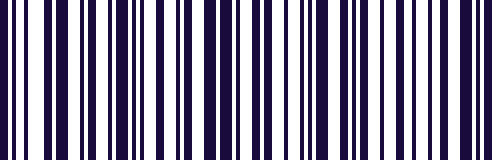
ITF gets its density from an unusual trick. Rather than encoding each digit in sequence, it interleaves pairs: the first digit is carried by the bars, the second by the spaces between them. That halves the width needed, which is why digits are always handled two at a time and the total must be even.
Its real advantage is tolerance. Printing directly onto corrugated board gives rough, bleeding edges that defeat finer symbologies, and ITF was designed with wide enough elements to survive it. That is why it is on the outer case rather than on the retail pack inside.
ITF-14 is the standard application: fourteen digits identifying a trade item at case level, so a pallet can be checked in without opening anything.
Where you meet it
Outer cases and cartons, printed straight onto corrugated board.
Can a phone scan ITF or ITF-14?
Yes, as standard. The keyboard reads it straight off the carton and types the digits into your goods-in sheet or stock system.
How to scan it with your phone
- 1
Install Barcode & QR Scanner Keyboard from Google Play and enable it as a keyboard.
- 2
Open Settings → Scanning engine and choose TRAKWIND Scan.
- 3
Tap the barcode key on the keyboard and point the camera at the code.
The value is typed into whatever field you were already in — a spreadsheet, an ERP screen, a web form. There is nothing to integrate.
Read it with the phone in your pocket
Free on Google Play. No licence, no extra hardware, and nothing to connect.